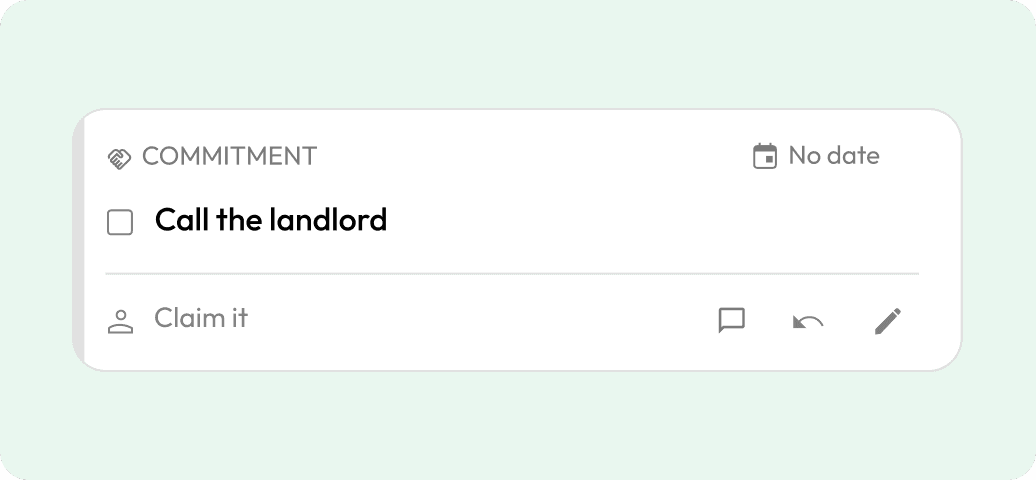
 Commitment
Call the landlord
Keep track of who’s doing what, and by when.
Alex · Tomorrow
How it works
Chat in the Kynspace Stream. Review AI suggestions and tap Pin to keep what matters in your shared Record.


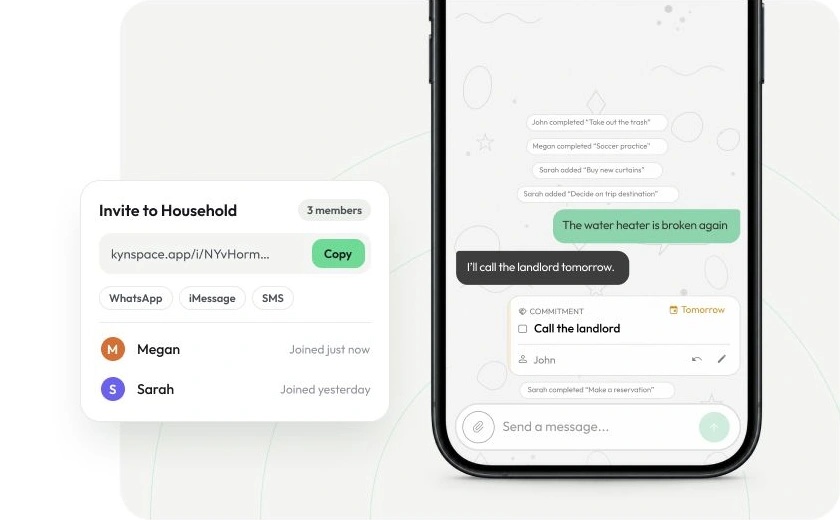
Drop the link in WhatsApp, iMessage or any chat. They can read the stream right away, no account wall.
Create a Space and share its invitation link through any chat.
They can preview the Stream, then join to take part.
Sharing an invitation doesn’t connect your WhatsApp or iMessage conversations to Kynspace.
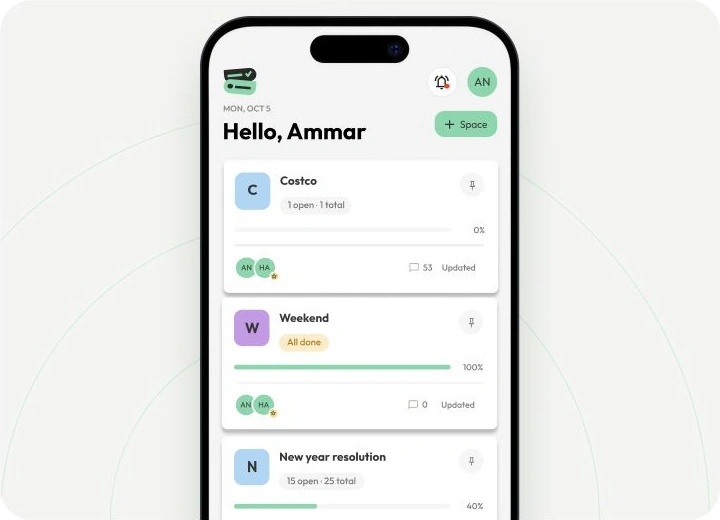
Household, just the two of you, roommates, the trip. And Mine pulls everything assigned to you into one list.
Create a Space for each group, with its own members, Stream and Record.
Open Mine to find your assigned items across Spaces.
Groceries, packing, projects. All in one place, checked off together.
Create a list, or review and Pin one suggested from the Stream.
Add items and quantities together, then check them off as you go.
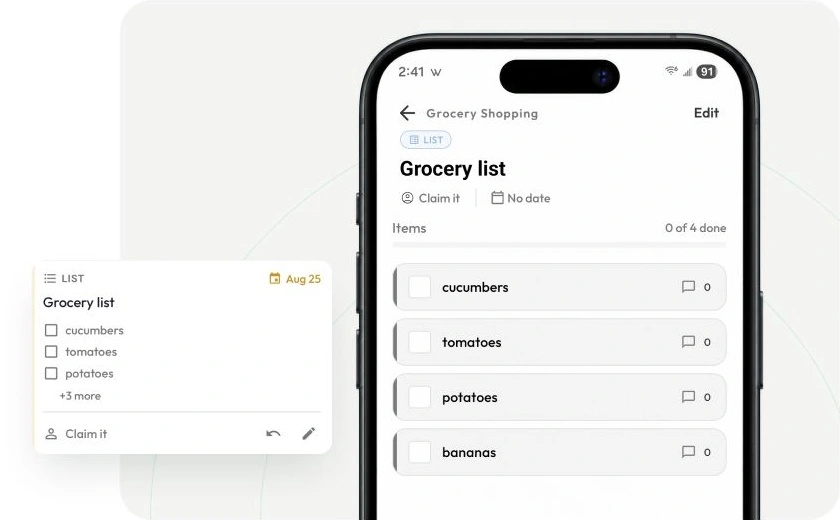
Anyone can propose a new date. Everyone sees it and accepts or rejects it right in the Stream.
Open the item and propose a new due date.
The proposal appears in the Stream for the people involved to accept or reject.
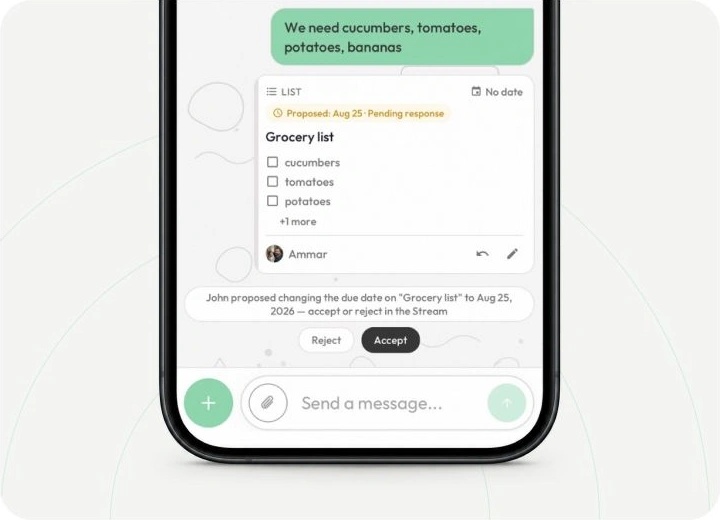
Talk in your Space’s Stream. AI suggests what to keep; review the details, then tap Pin to save it or Dismiss to pass. Your confirmed commitment stays in the shared Record, with its owner and date.

Call the landlord
Review and Pin the suggestions that match your conversation. You can create records manually, too.
CommitmentKeep track of who’s doing what, and by when.
Alex · Tomorrow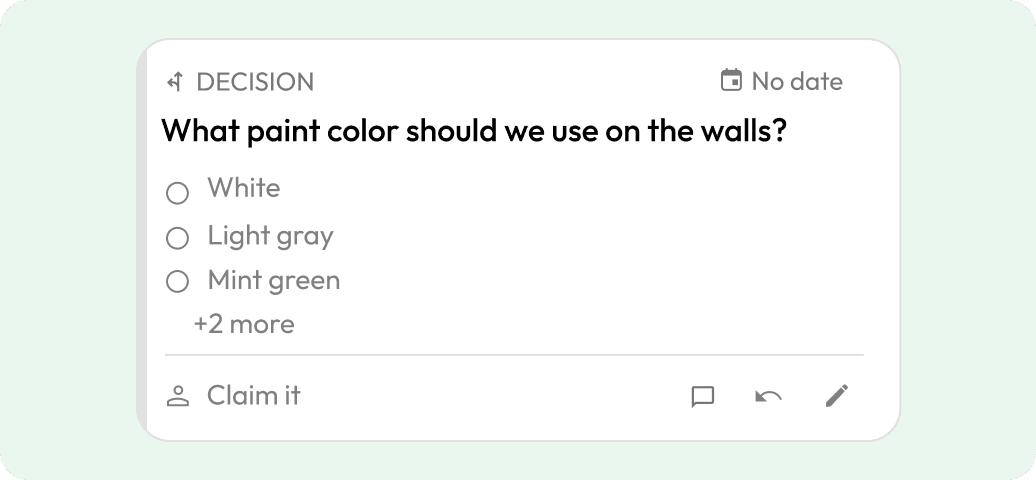 Decision
Keep the decision with the conversation that led to it.
Agreed together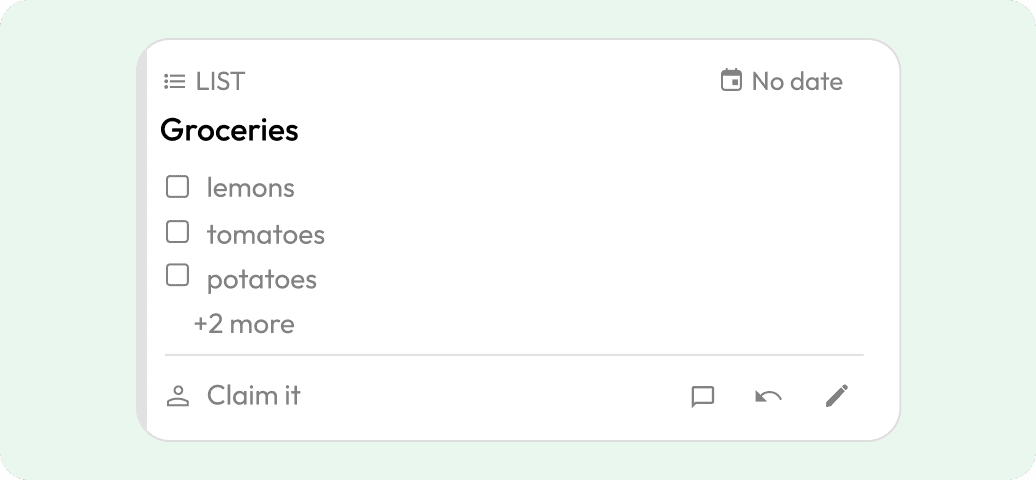 List
ListTurn everyday lists into shared checklists.
Three things to pick up Idea
IdeaKeep a good idea without turning it into another task.
Saved for laterLess to remember. More living.